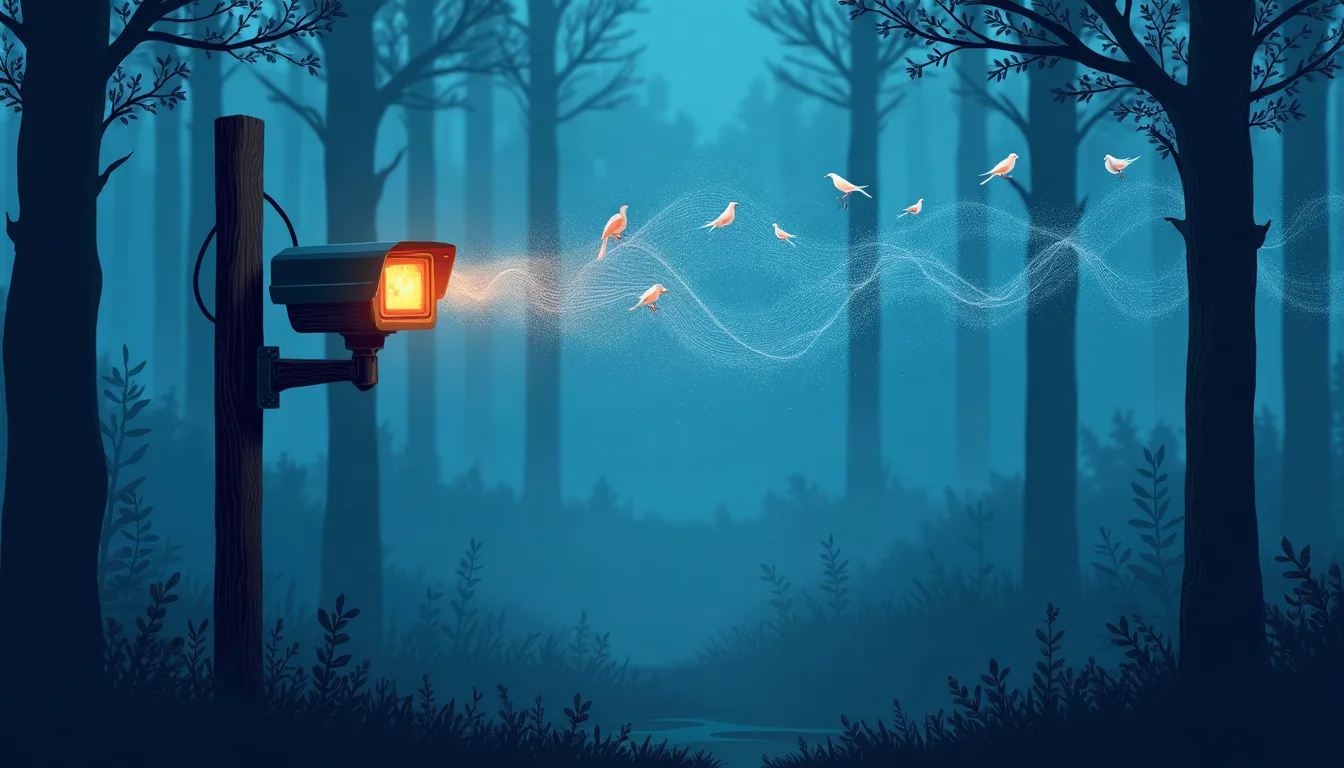
If you already have IP security cameras with audio capability, you're closer to a fully automated bird identification station than you might think. The core insight here: security cameras capture ambient sound continuously, and that audio stream is all BirdNET-Go needs to recognize bird species in real time. No dedicated microphones, no subscription services, no sending data to a third party.
BirdNET-Go is a self-hosted Go application built around the BirdNET neural network, originally developed by the Cornell Lab of Ornithology and the Chemnitz University of Technology. The model is trained on thousands of bird species and can identify them from short audio clips with solid accuracy. The Go wrapper makes it practical to run on modest hardware — a Raspberry Pi or a small home server is sufficient for continuous analysis.
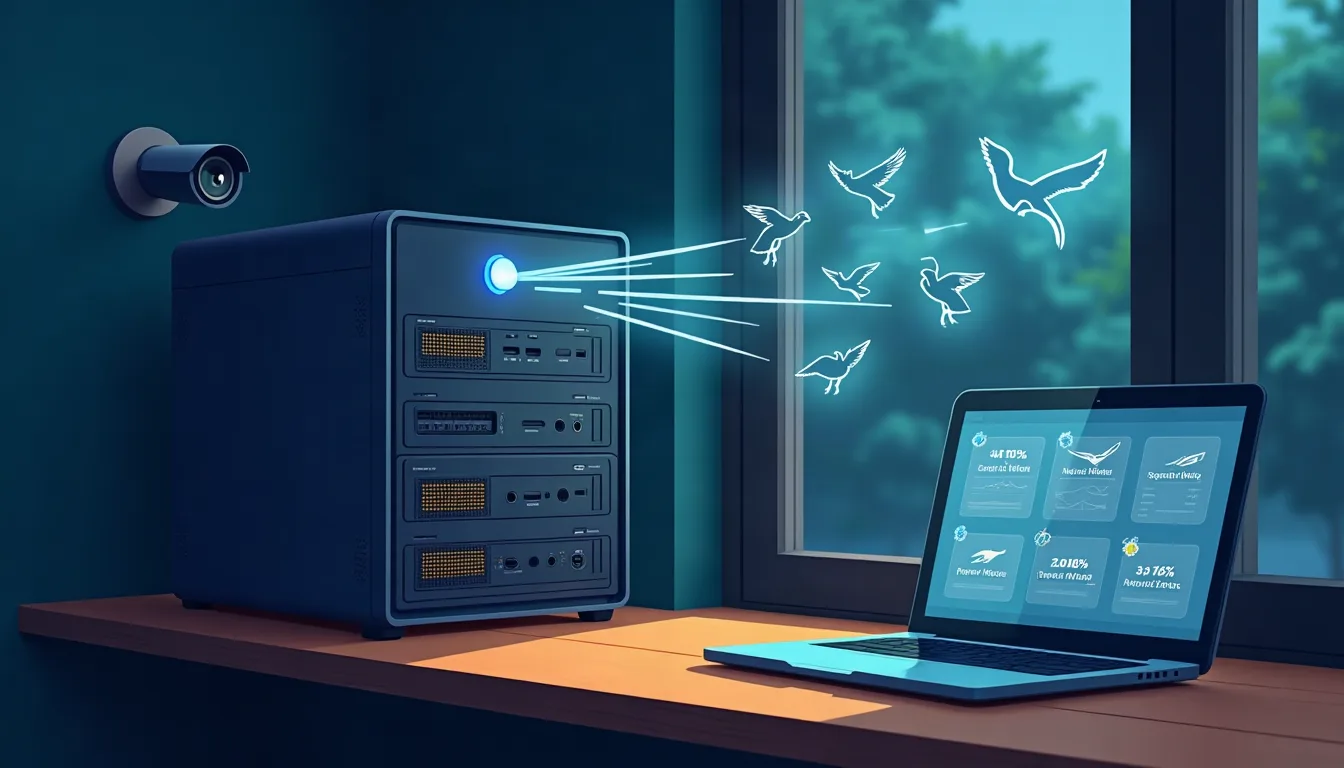
The setup works by pulling the RTSP audio stream from a camera, feeding it into BirdNET-Go for analysis, and logging detections with timestamps and confidence scores. Results surface through a local web interface, and the system can push notifications or feed data into a home automation platform. The author ran this on existing Frigate NVR infrastructure, meaning the cameras were already doing security duty — bird ID came essentially for free on top.
Why this matters beyond the hobby angle: it's a clean example of extracting a second workload from hardware you've already deployed. The same pattern — tap an existing sensor stream, route it through a specialized model, surface structured output — applies to plenty of other detection problems. Audio classification is underused compared to computer vision in DIY setups, and BirdNET-Go demonstrates how capable modern audio models have become on constrained hardware.
To replicate this, you need a camera that exposes an RTSP stream with audio (most modern IP cameras do), a Linux host to run BirdNET-Go, and about an hour of configuration. The project's documentation covers Docker deployment, stream configuration, and Home Assistant integration. Start with one camera pointed at a feeder or tree line to validate detections before scaling across your full camera array.